Client approval, without the email thread.
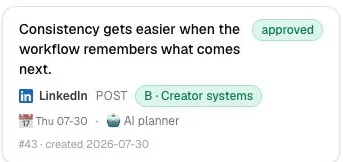
A review link hands the client a preview with comments, so sign-off happens on the post instead of over email.
Request a demoA link, not an email
The link opens a preview with comments, and the client leaves feedback right on the post.

Members and roles
An Owner runs the brand, a Member works the content, and a Client sees only the review queue.
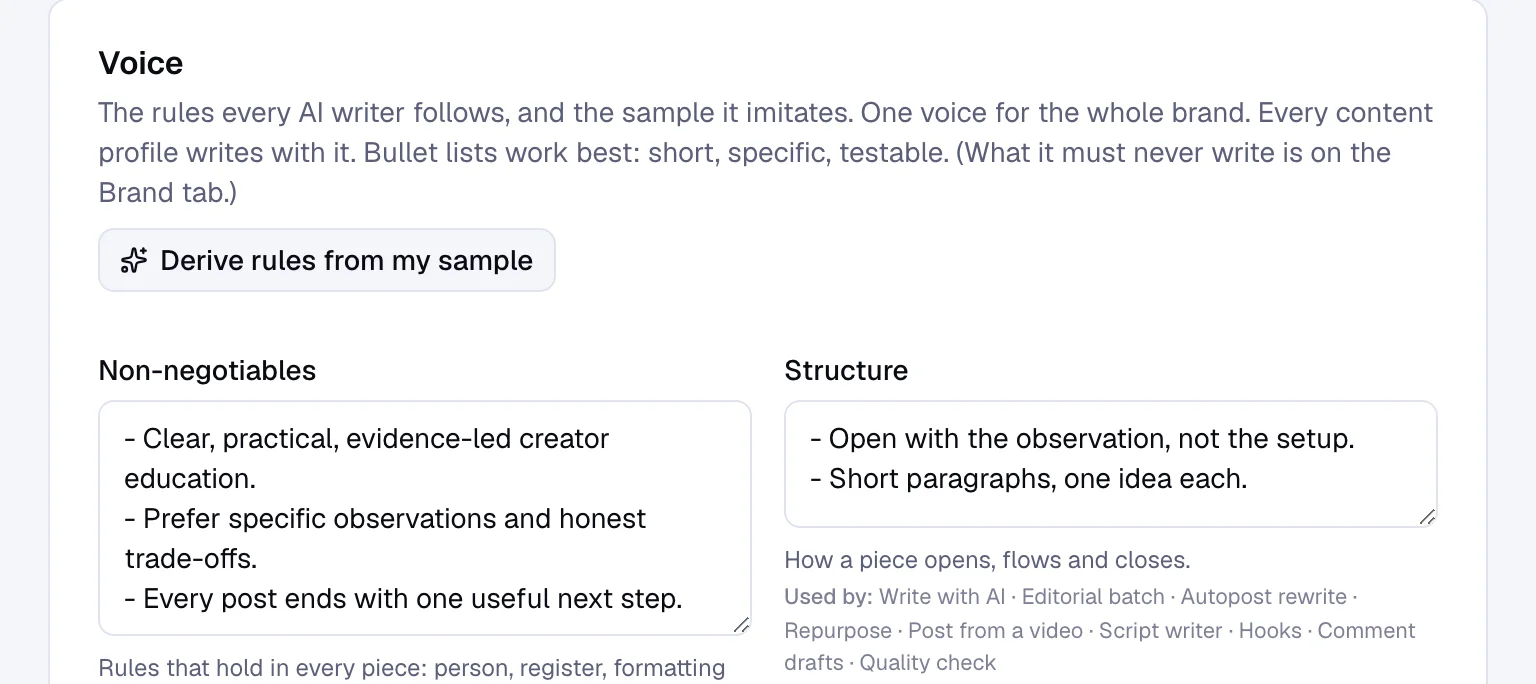
Every brand, its own voice
10 brands each keep a separate voice guide and calendar, so nothing bleeds between clients.
A webhook when it publishes
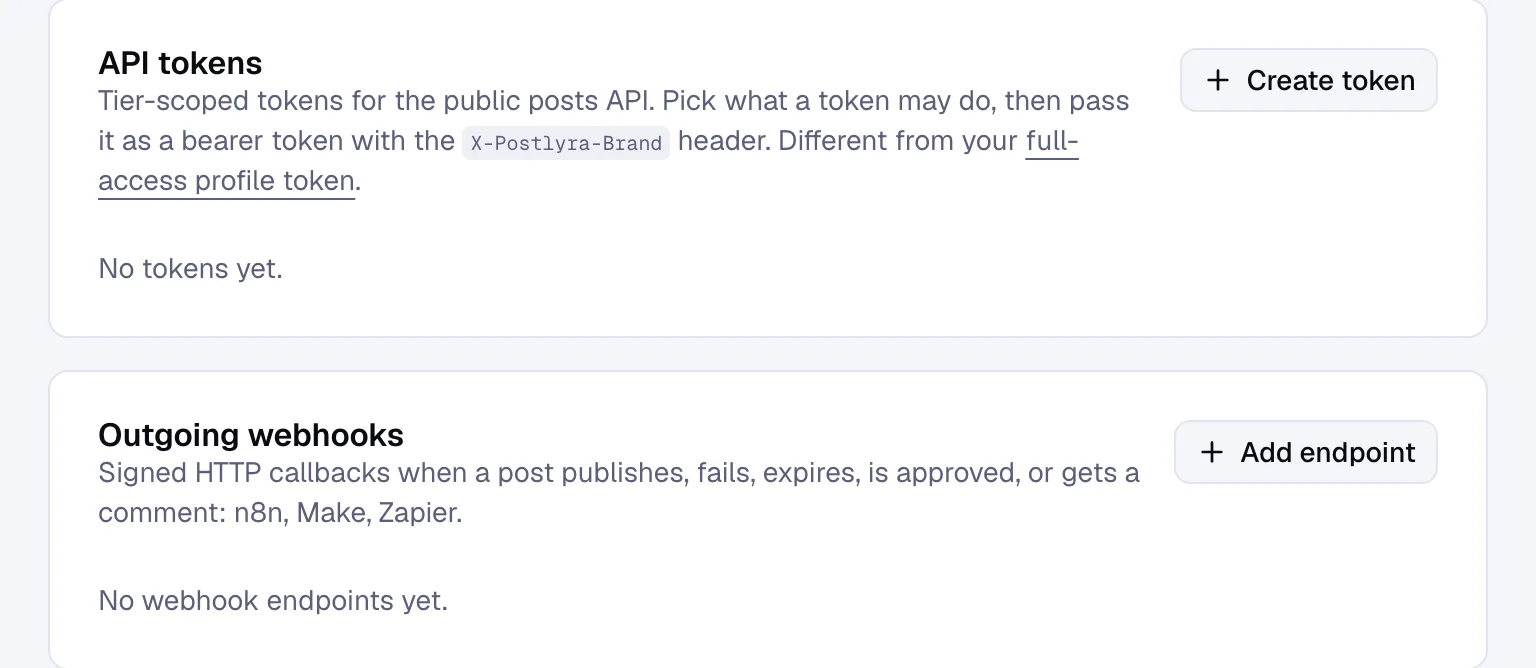
A signed event fires the moment a post publishes, fails, expires, gets approved or gets a comment.
Send the review link
One link opens a preview with comments, no login for the client.
Set members and roles
Owner, Member or the restricted Client role, per brand.
Watch the webhook fire
A signed event lands the moment the post publishes.
Questions people ask
How does client review work?
A review link opens the preview with comments, and the post moves to approved or rejected from the review window in Studio.
Do clients need an account?
No. The review link opens a preview with comments, no login required.
How many brands can an agency run?
10 brands on the Agency plan, each with its own voice guide and calendar.
What roles can a brand have?
Owner, Member and the restricted Client role, which only reaches the review queue and calendar.
Are webhooks included?
Yes. Agency and up can fire a webhook when a post publishes, fails, expires, gets approved or gets a comment.
Which plan includes client review?
Agency and up. Members and roles, the review window, review links and webhooks all live there.
What happens if nobody reviews in time?
The review window closes and the post expires instead of publishing unapproved.
Can more than one person work a brand?
Yes. Agency and up gives unlimited users, with roles set per brand.
Send the next review link.
See a draft move from awaiting review to approved, without an email thread.